
Choosing or changing your design
Switch designs anytime; your words and pictures come with you.
Open Design in the editor and click a design to try it. The preview shows your own site in it straight away, and nothing changes on your live site until you publish.
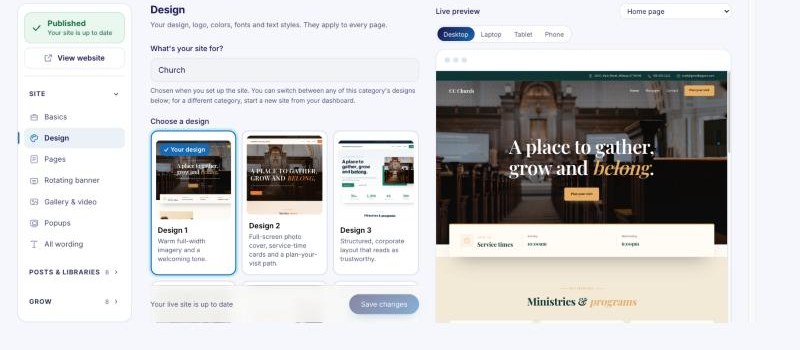
Your words, pictures and pages move to the new design with you. In Design you can also change your logo, colors and fonts, and they apply to every page.
The designs on offer are the ones made for your kind of site (the one chosen in Basics). For a different kind, start a new site from your dashboard.