
Adding a rotating banner
A slideshow of pictures or videos at the top of your home page.
Open Rotating banner in the editor. Each slide has a picture or a silent video, a headline, words and buttons.
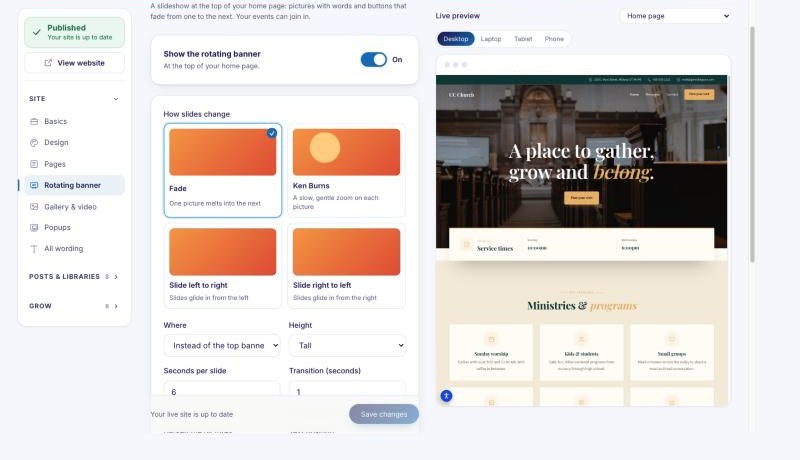
- Choose how slides change (fade, slow zoom or slide) and how long each one stays.
- Put the words on the left, in the middle or on the right.
- Your upcoming events can join the slideshow on their own.
Rotating banner is an add-on on some plans. If it shows a price in the editor, you can buy it there.