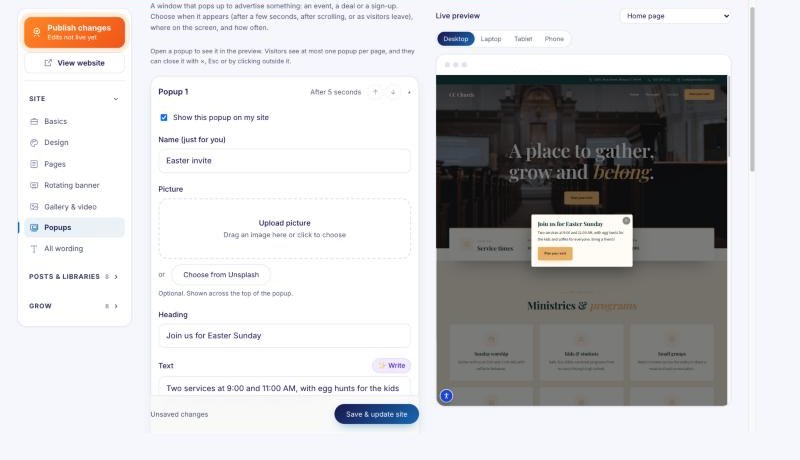
Adding a popup
Announce an event, a deal or a sign-up at the right moment.
Open Popups in the editor and add one. Give it a picture, words and a button, then choose:
- When it appears: after a few seconds, after visitors scroll, or as they're about to leave.
- Where: any of nine screen positions, and its size.
- How often: once per visitor, once a day, once per visit, or on every page they open.
- Which pages and devices, and start and end dates so it switches itself off.