
Undoing changes with Version history
Go back to how your site looked on an earlier day.
A copy of your site is kept every time you publish, and once a day while you edit. Copies are kept for 20 days.
- Open Publish in the editor.
- Under Version history, find the version you want.
- Click Restore.
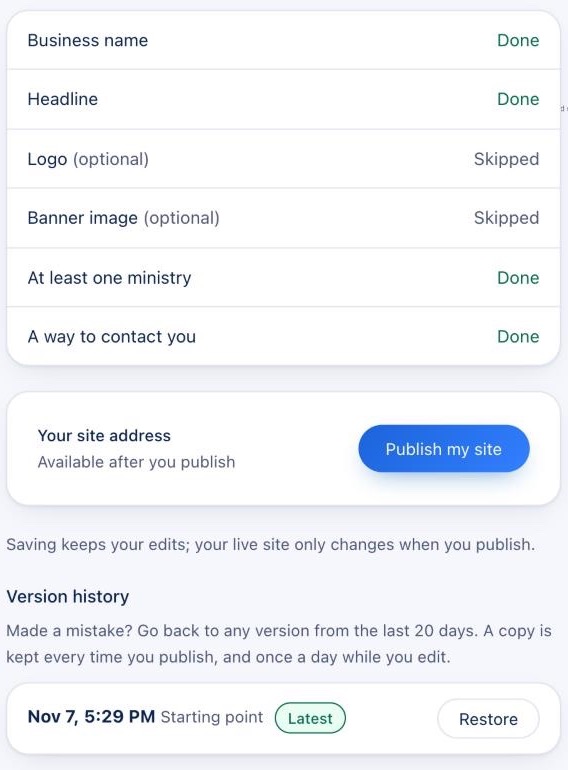
Restoring brings back that version's words, pictures, pages and blog posts. Before it does, a copy of your site as it is now is kept too, so you can change your mind. Publish afterwards to put the restored version on your live site.