
Inviting people to help edit
Give staff and volunteers their own sign-in, with just the access they need.
Open Team in the editor (part of the top plan).
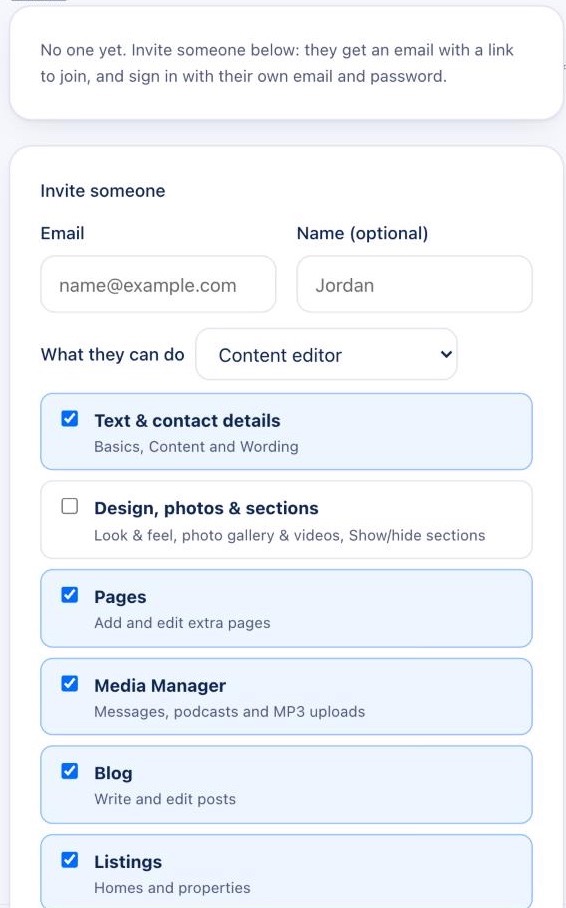
- Type their Email and, if you like, their Name.
- Under What they can do, pick a role or tick exactly what they may change: pages, the Media Manager, the blog and so on.
- Send the invite. They get an email with a link to join, and sign in with their own email and password.
Team members never see billing, your plan, your domain or the team itself; those stay with you. You can change their access or remove them at any time.