
Building a form
Connect cards, sign-ups, RSVPs and volunteer forms.
Open Forms in the editor and click to add a form. Start from a ready-made one (connect card, RSVP, volunteer or quote) or a blank form.
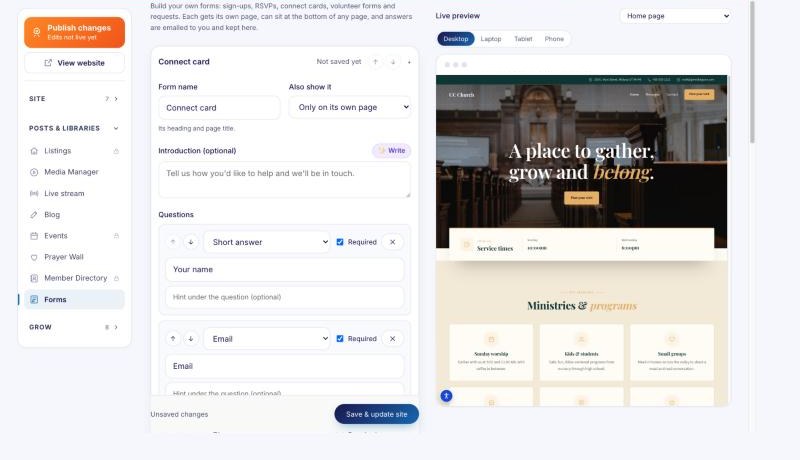
- Add the questions you need: short and long answers, drop-downs, choices, checkboxes and dates.
- Choose where it shows: on its own page, or at the bottom of any page.
- Publish your site.
Each answer is emailed to you and kept in Forms, where you can download them all as a spreadsheet. You can also send an automatic thank-you email to the person who filled it in.